
Downloading & Sharing Assets
Learn how to download individual files, create bulk ZIP downloads, and share assets with colleagues and external partners.
Downloading a Single Asset
Click an asset thumbnail in the grid to open the detail view.
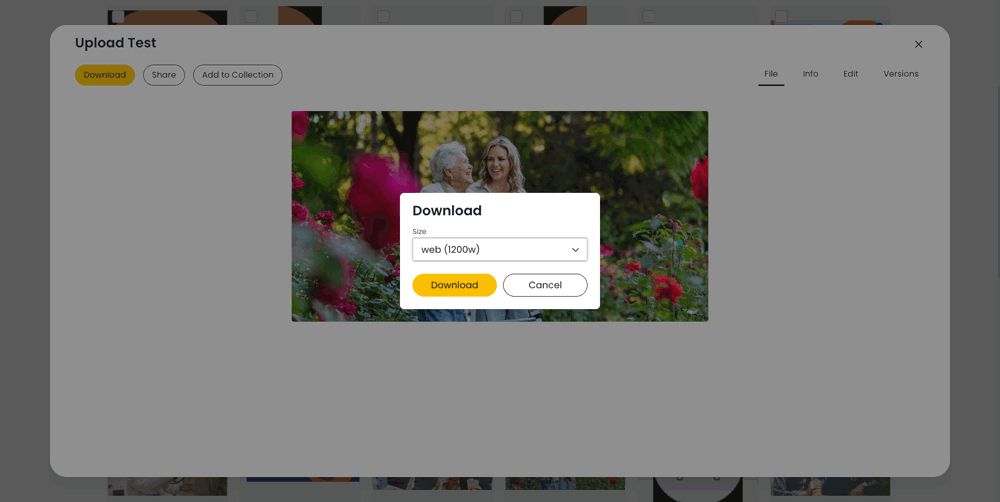
Click the "Download" button (requires download permission).
A download dialog appears with a size/preset dropdown:
Original -- the full-resolution original file.
Additional size presets may be available for images (e.g. Web, Medium, Thumbnail).
Select your preferred size and click "Download".
The file downloads to your device (or opens in a new tab depending on your OS/Browser).
Each download is tracked in the asset's activity log.
Downloading Multiple Assets (Bulk ZIP)
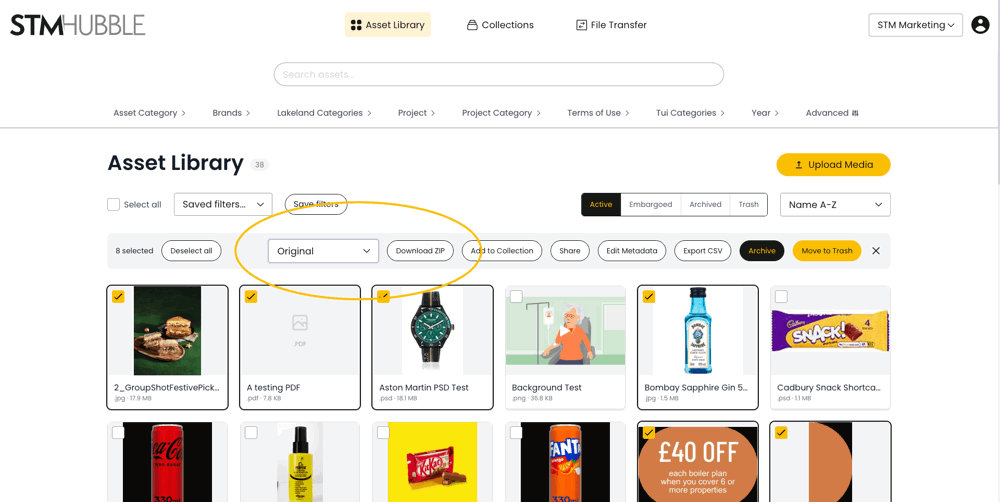
Select multiple assets by clicking the checkboxes on the asset cards.
A toolbar appears at the top of the screen showing your selection count.
Choose a size preset from the dropdown in the toolbar (Original or other available sizes).
Click "Download ZIP" to package all selected assets into a single ZIP file.
The ZIP is generated in the background -- you will be notified when it is ready.
Bulk downloads work for any file type, not just images.
Sharing a Single Asset
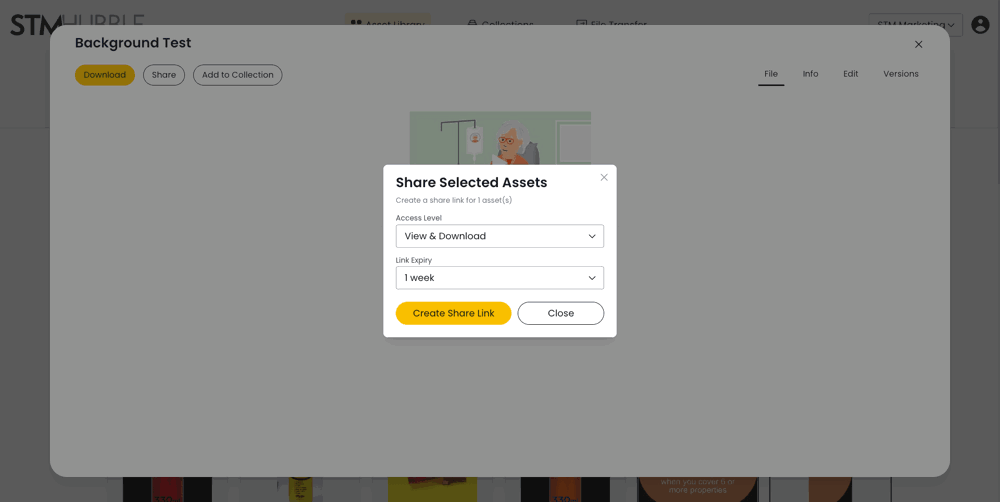
Open the asset detail view by clicking the thumbnail.
Click "Share Media" (requires share permission).
A share link is created that you can copy and send to others.
Share links respect the recipient's permissions -- they must be logged in to access the asset.
Sharing Multiple Assets
Select multiple assets using the checkboxes on the asset cards.
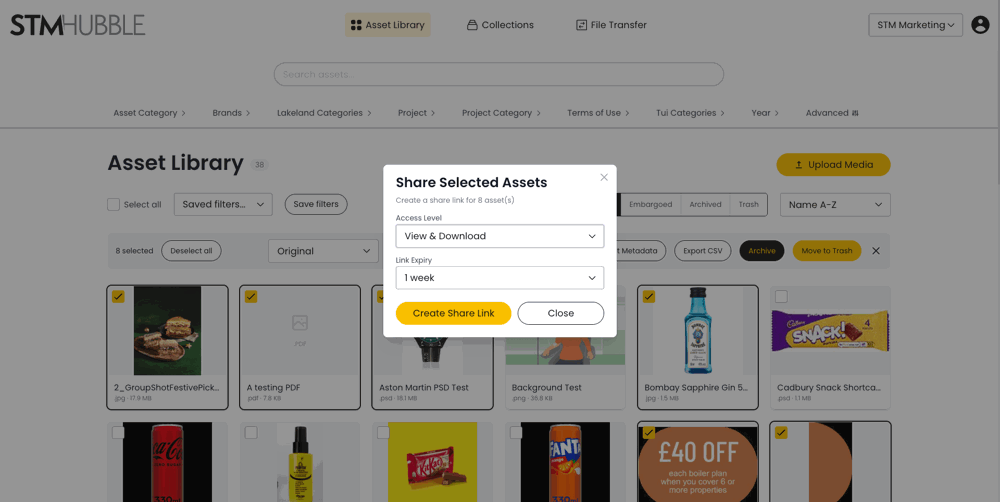
Click "Share" in the bulk action toolbar.
In the share modal, configure your share settings:
Access Level -- choose "View only" or "View & Download".
Link Expiry -- choose from: Never, 1 day, 3 days, 1 week (default), 2 weeks, or 1 month.
Click "Create Share Link".
Copy the generated link using the copy button.
Share the link with colleagues or external partners.
Recipients can view (and optionally download) the shared assets without needing full portal access.
Tips
Use the Original preset when you need the highest quality file, for example for print production.
Use smaller presets for web or email to keep file sizes manageable.
Set an expiry on share links for sensitive or time-limited content.
Download and share counts are tracked -- check the Info tab in the asset detail view to see how many times an asset has been viewed, downloaded, or shared.